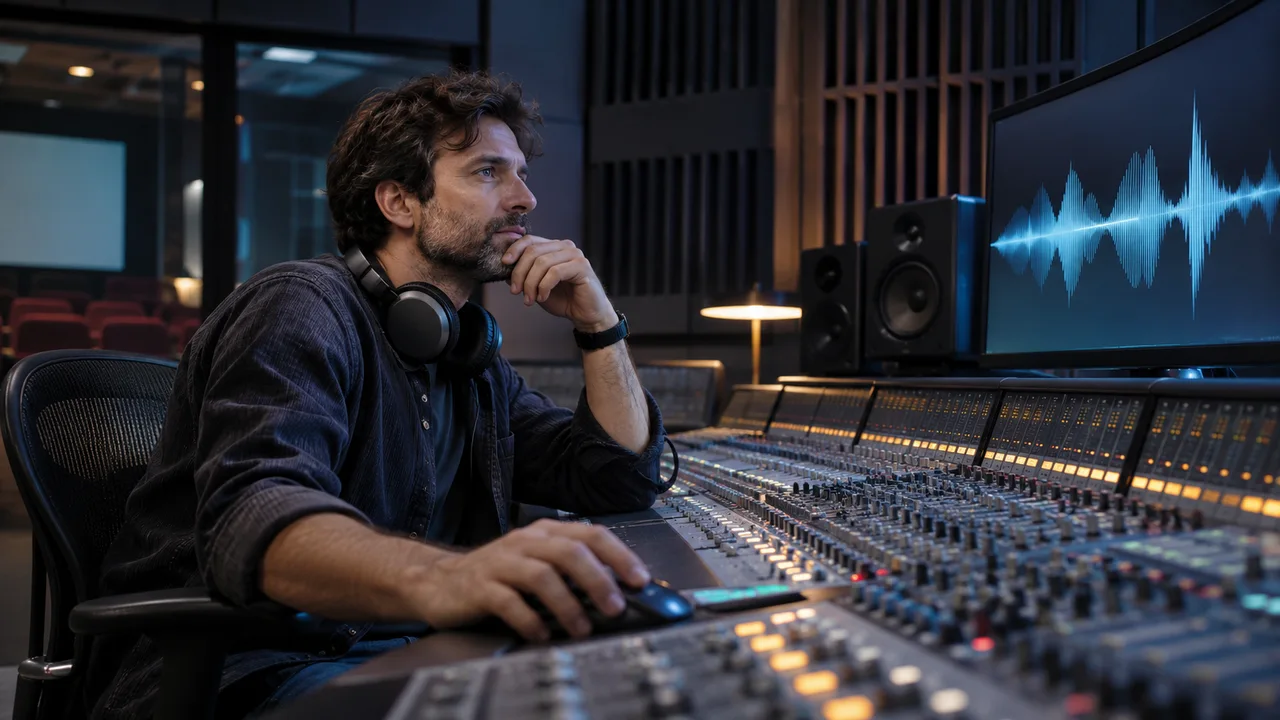
To listen closely to a film, separate voices, ambience, effects and music, then notice their entrances and silences. Ask what a sound suggests beyond the frame and who can hear it within the scene.
Editorial update : · Our method
01 Identify sounds
Note one sound a character hears and another primarily addressed to the viewer. Music may come from a radio within a scene or accompany images without a visible source. You need not guess every intention: ask how sound changes expectation or attention.
02 Prepare listening
Before playback check language, selected track and actual output: TV speakers, headphones or external system. For unclear speech, test the same passage with captions or another device. Compare at a reasonable level; raising everything can make other sounds uncomfortable without clarifying speech.
03 Describe a sound scene
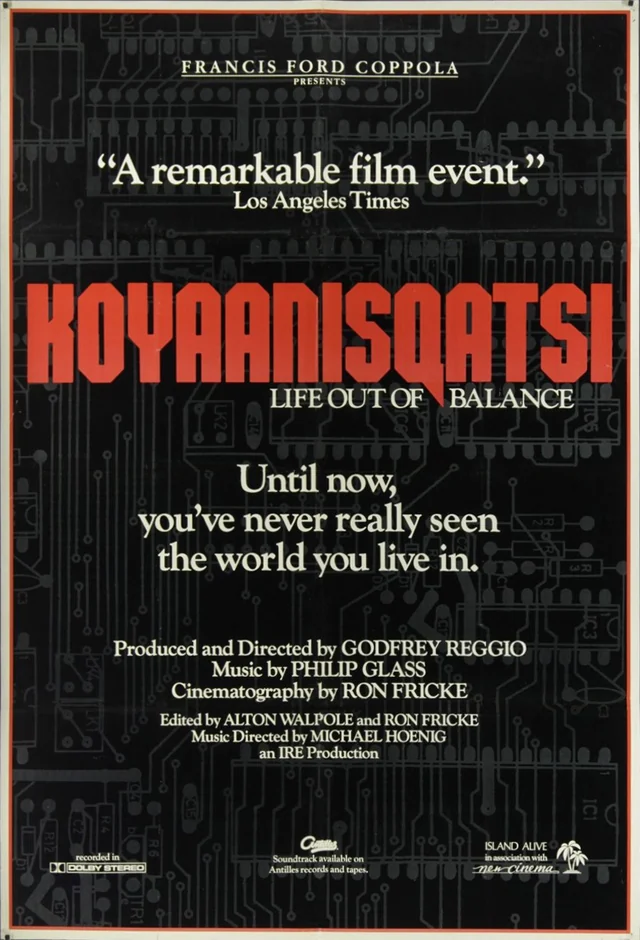
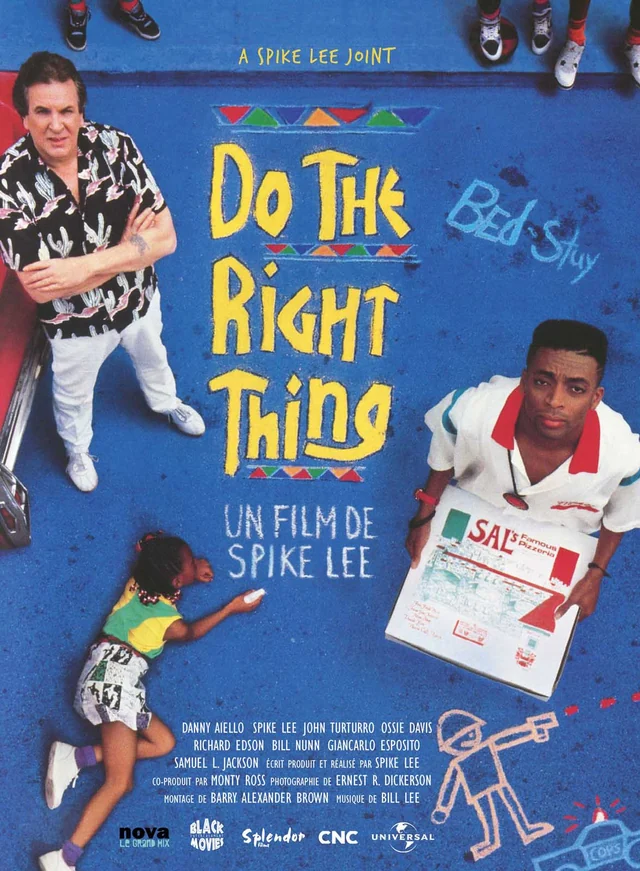
Afterwards describe a scene through three sounds rather than plot. Try Koyaanisqatsi for music/image relationships and Do the Right Thing for sounds occupying shared space. The BFI also explains sound preservation and restoration as work distinct from image restoration.
Test the track, not just its badge
| Track | Information provided | Practical test |
|---|---|---|
| Dialogue subtitles | They transcribe or translate speech; they do not necessarily describe sounds. | Choose an offscreen line and check language and synchronisation. |
| Accessible captions (SDH/CC) | They also convey necessary sound information: speakers, effects or music relevant to the scene. | Test an alarm or offscreen speaker change, then readability on the viewing screen. |
| Audio description (AD) | Narration adds important visual information that dialogue does not provide. | Listen to an action without dialogue using the selected track; check its language and access through the audio menu. |
Repeat the test on the full film, using the account and device planned for viewing. A trailer or another episode does not confirm the selected title’s tracks. Record how to activate them for a group screening.
What to check when the label is unclear
The word “subtitles” alone does not tell you whether relevant sounds are described. In a scene where someone hears something offscreen, check that the text explains what happens even without hearing the audio. Automatic captions may omit this information or assign speech to the wrong person.
A dubbed track translates dialogue; audio description also supplies visual information needed to understand the scene. To tell them apart, choose a silent action or important onscreen text and listen to what the narration conveys. Test the support you need rather than relying on an abbreviation.
W3C WAI : captions and sound information ↗
W3C WAI : description of visual information ↗
Frequently asked questions
Does music always come from the scene?
Ask whether characters can hear it. Music may change status when its source appears or disappears.